
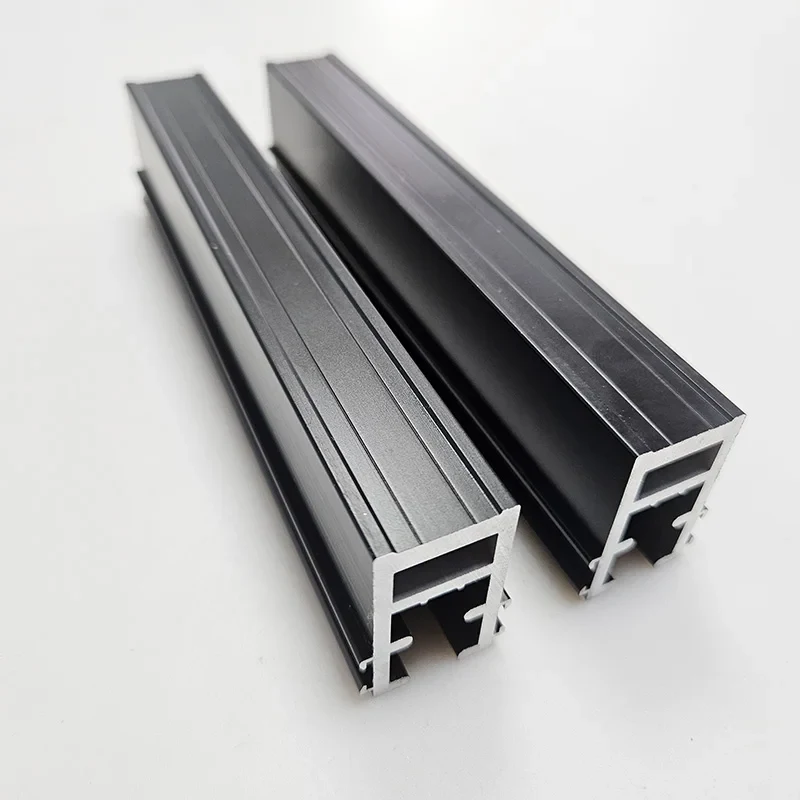
Black-finished architectural sections
Alloy references: 6063 / 6061 · Finish references: Black spray finish
Compare industrial profiles, custom cross sections and architectural components. Find a starting shape, then specify the finished part.
30 source-listed references · 3 product families · Original authorized photographs
Browse photographs by family or search a shape, alloy reference or listing number. A photograph helps identify a starting point; dimensions, interfaces and availability need confirmation against your drawing.
Alloy and finish filters match source-title terms. They do not establish stock or a qualified material/finish combination.
The catalog is a set of sourcing references. For a new section, review the custom extrusion process and send the current drawing revision, quantity and intended use.
Send a Drawing InquirySearch words can appear in any order. Try “t slot” or “heat sink.” Material and finish filters match source-title references, not confirmed stock specifications. Clear filters
EXTRUSION CATALOG
30 source-listed extrusion references. Compare section photographs and disclosed material, finish and processing terms. Open a product to see its source, drawing inputs and inquiry details.
Source titles disclose some material, finish and process terms. Complete drawing specifications and detailed attributes remain subject to verification and a written quotation.
Select two or three references to compare disclosed terms and fit questions. Selection stays in this page only; no inquiry is submitted.
Alloy references: 6063 / 6061 · Finish references: Black spray finish
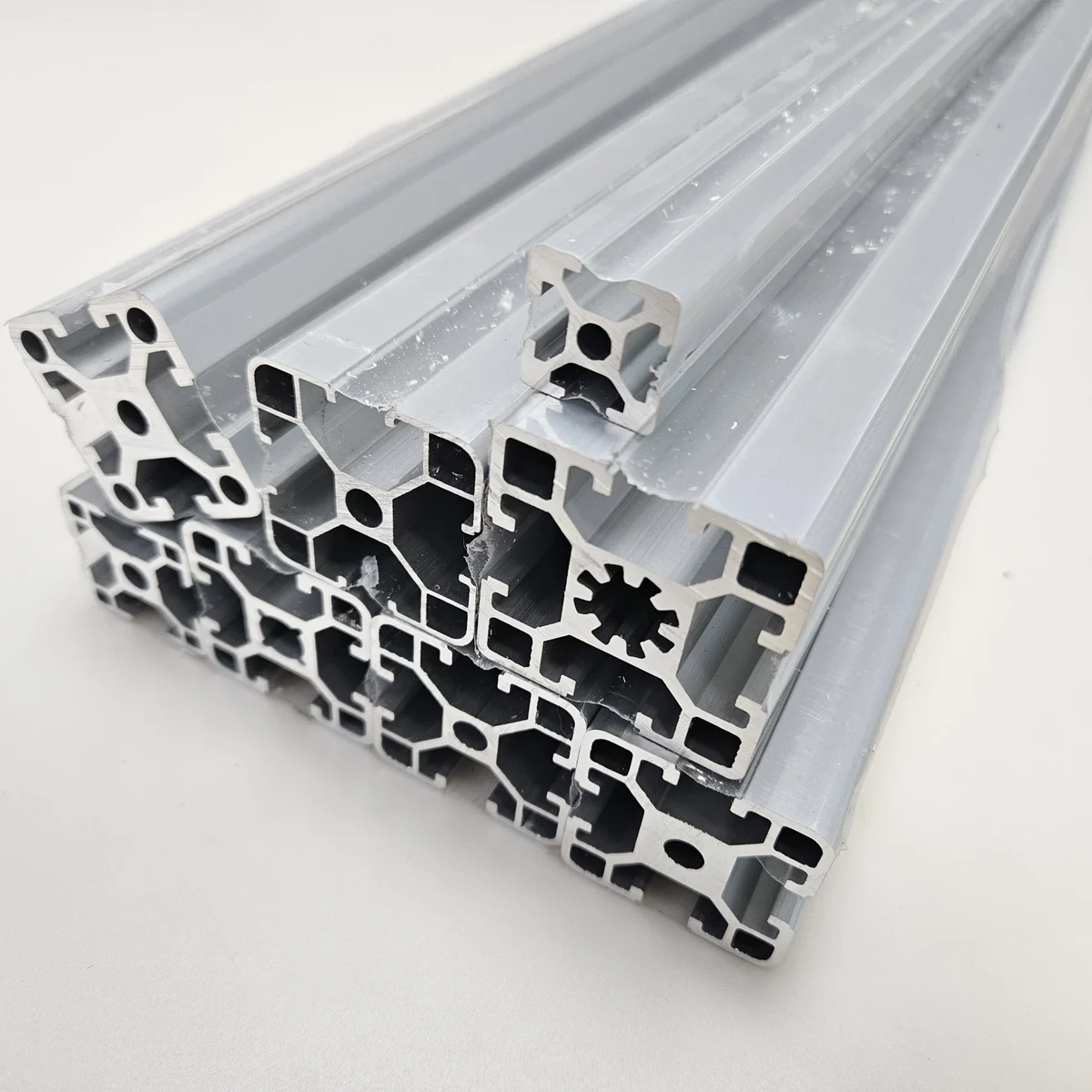
Title designations: 4040 / 40120 (no dimensional drawing verified)
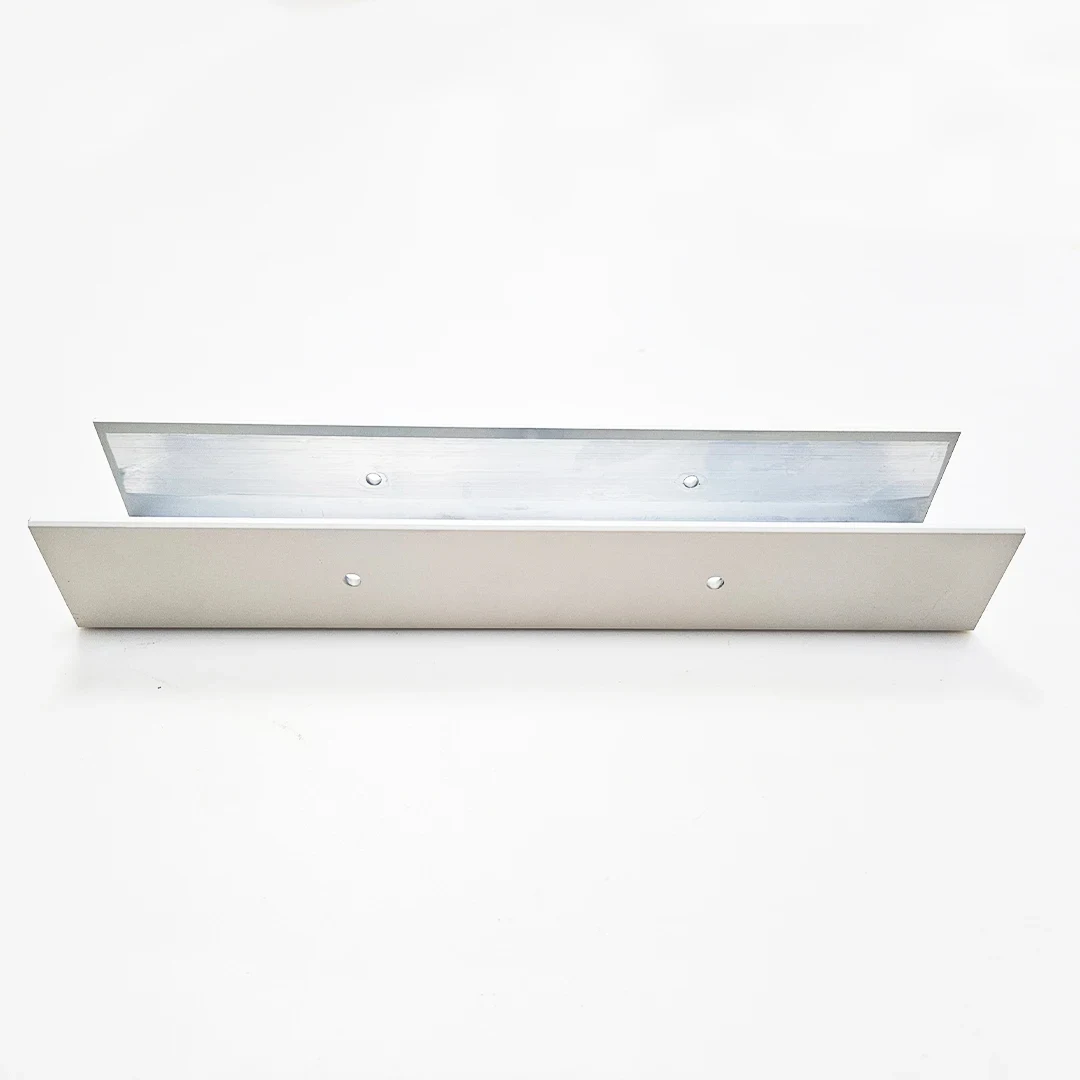
Alloy series reference: 6000 series · Temper references: T5 / T6
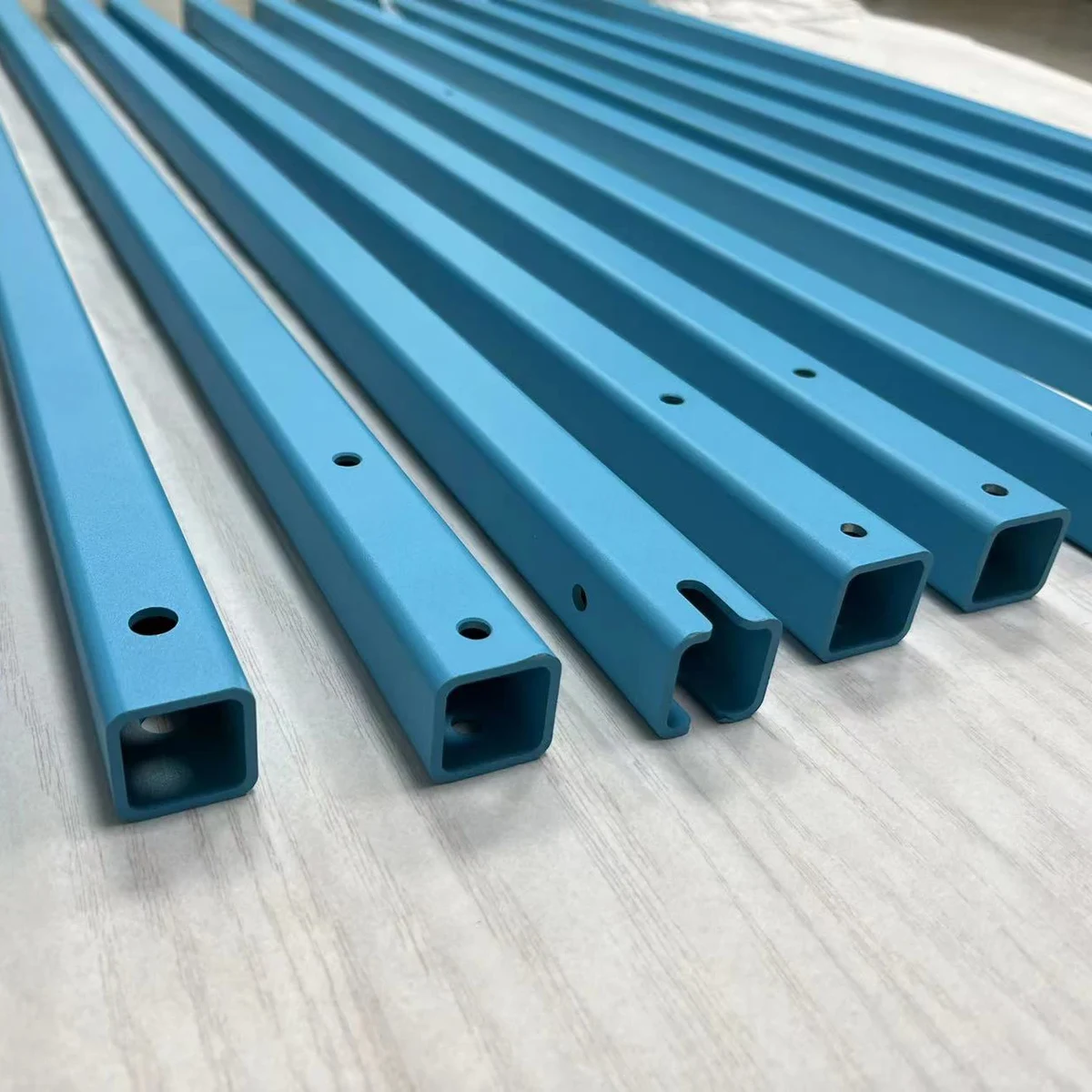
Finish references: Blue spray finish · Processing terms: CNC
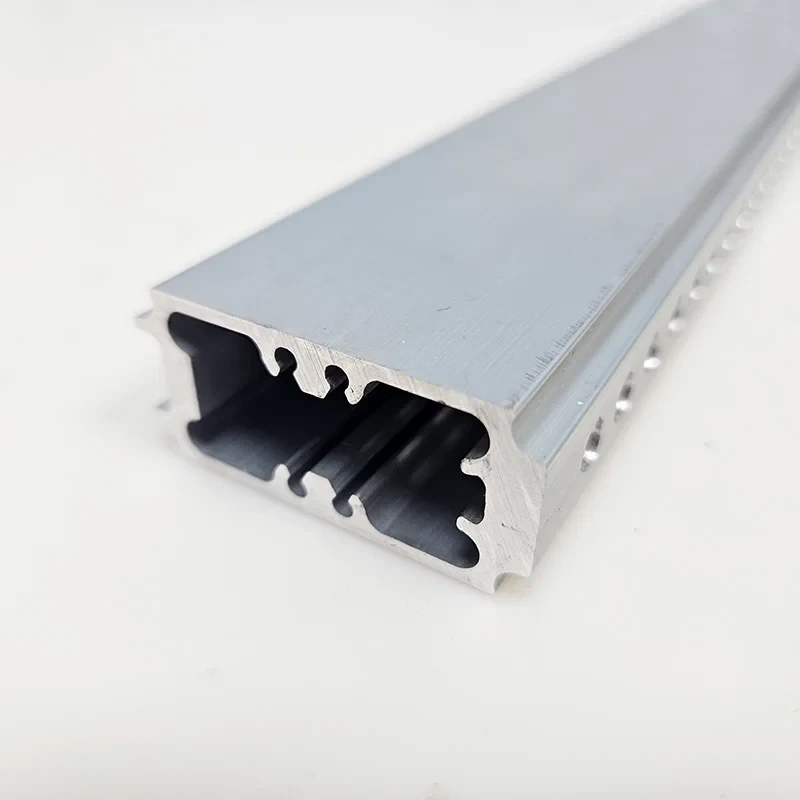
Alloy references: 6061 / 6063 · Temper references: T5 / T6
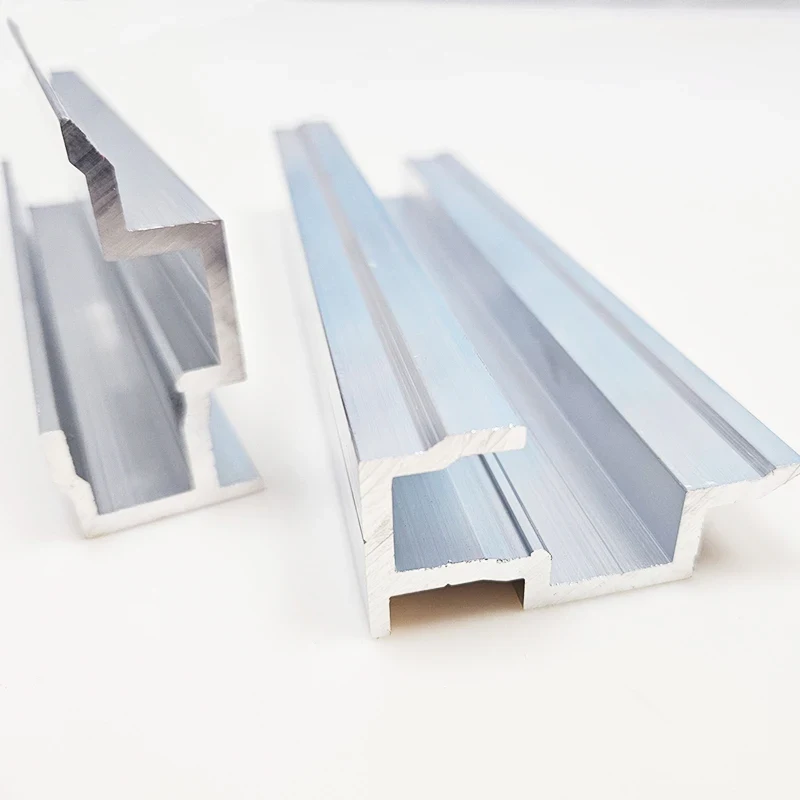
Alloy references: 6063
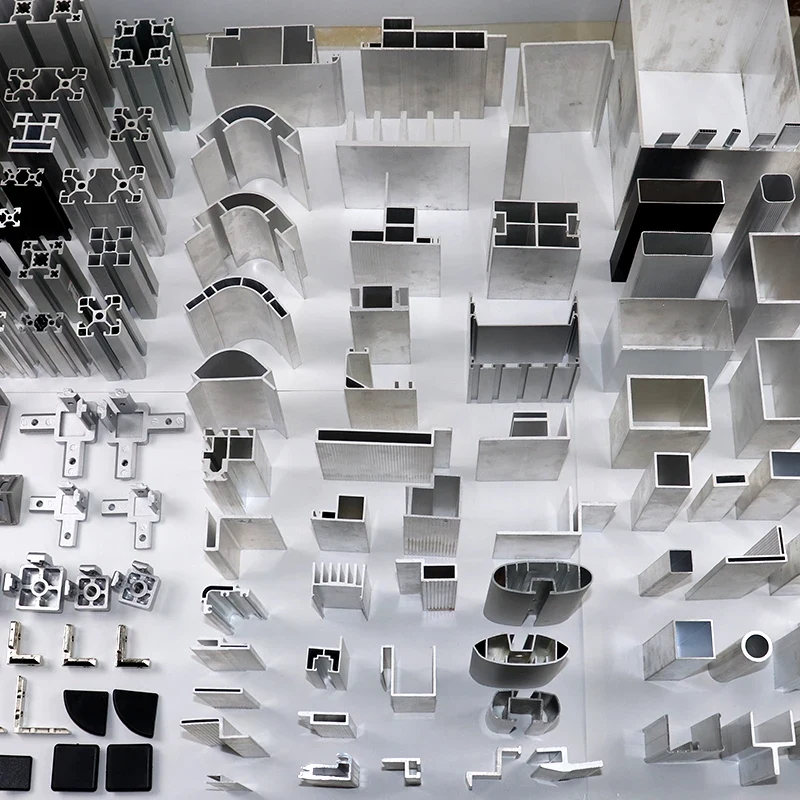
Alloy references: 6061
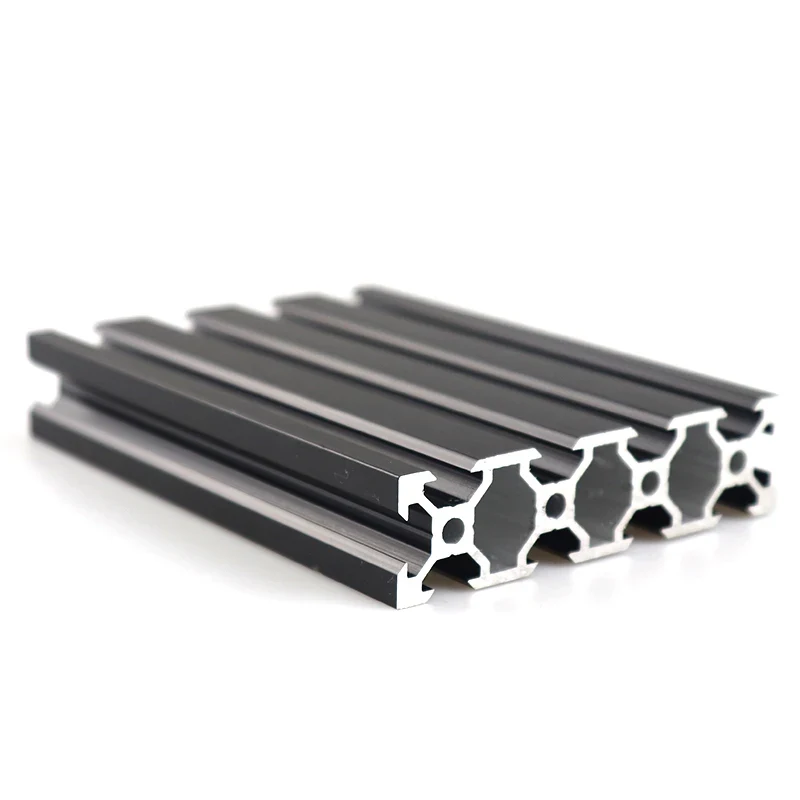
Alloy references: 6061 / 6063 · Temper references: T5 / T6
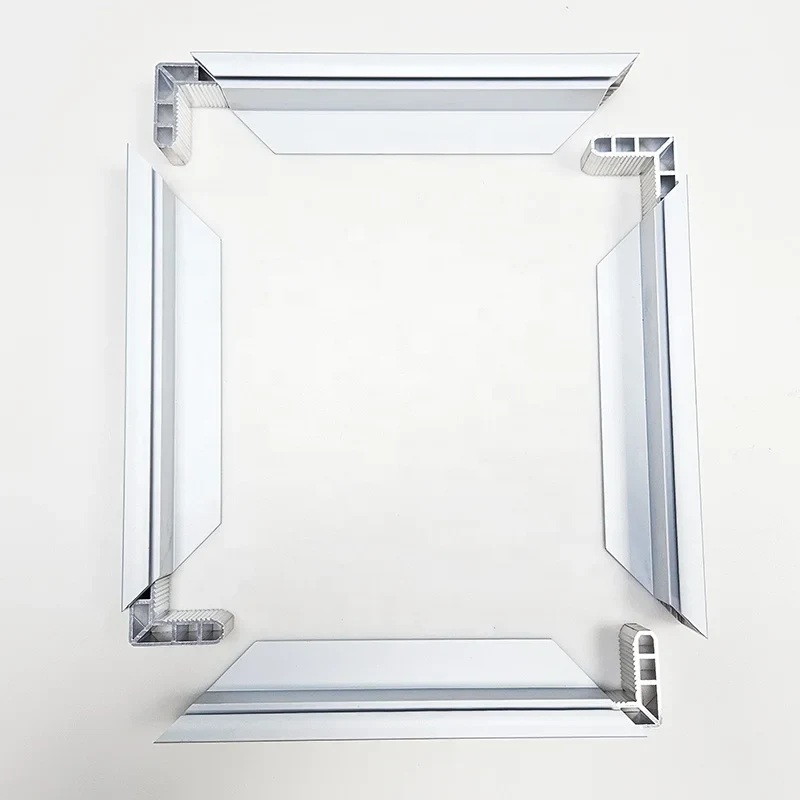
Finish references: Silver anodized finish
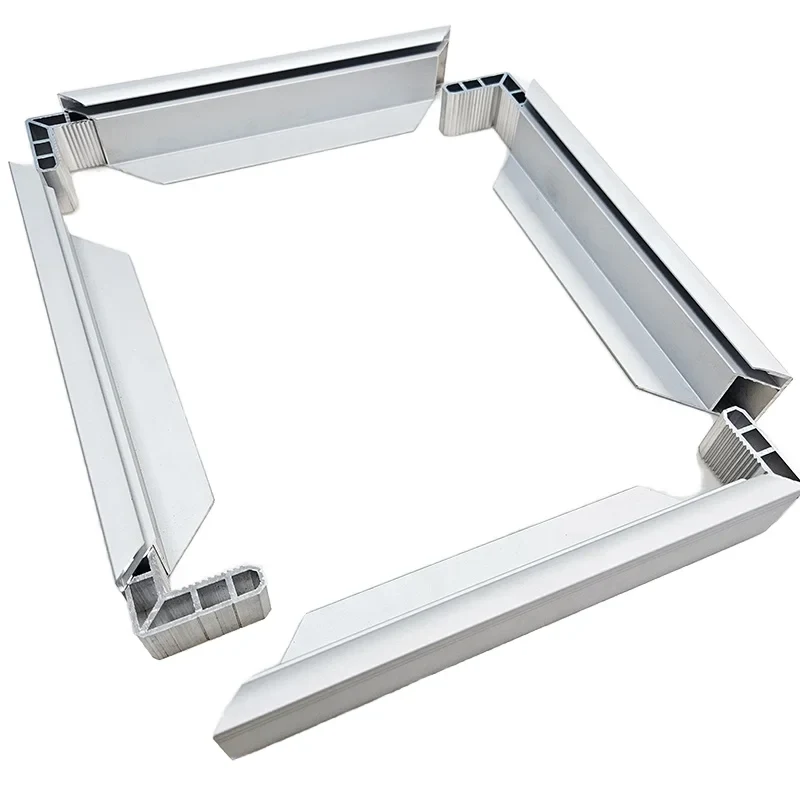
Drawing-led specification; complete attributes require review.
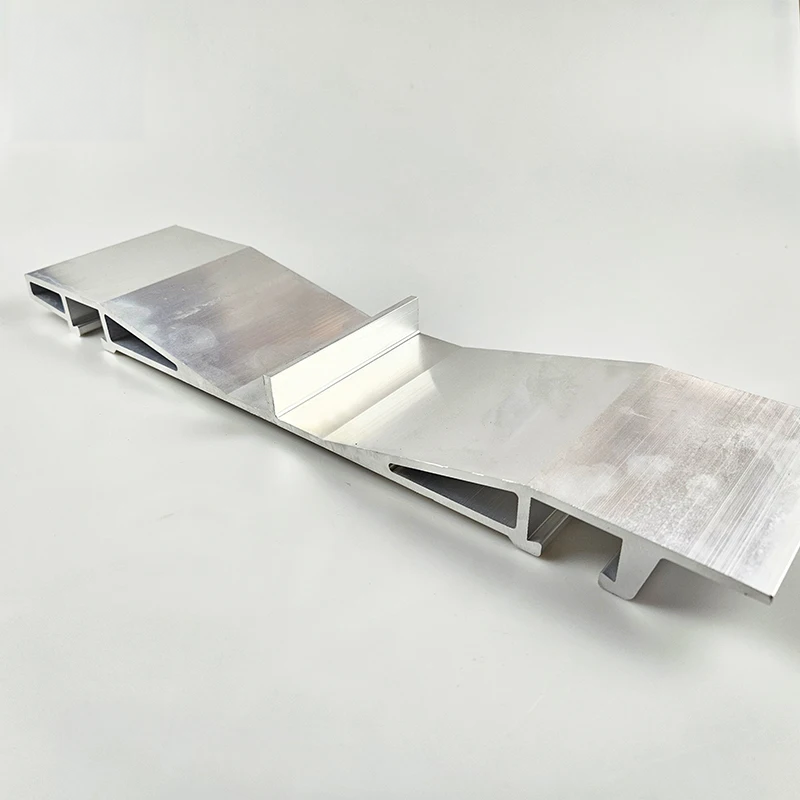
Alloy references: 6061 / 6063 · Temper references: T5 / T6
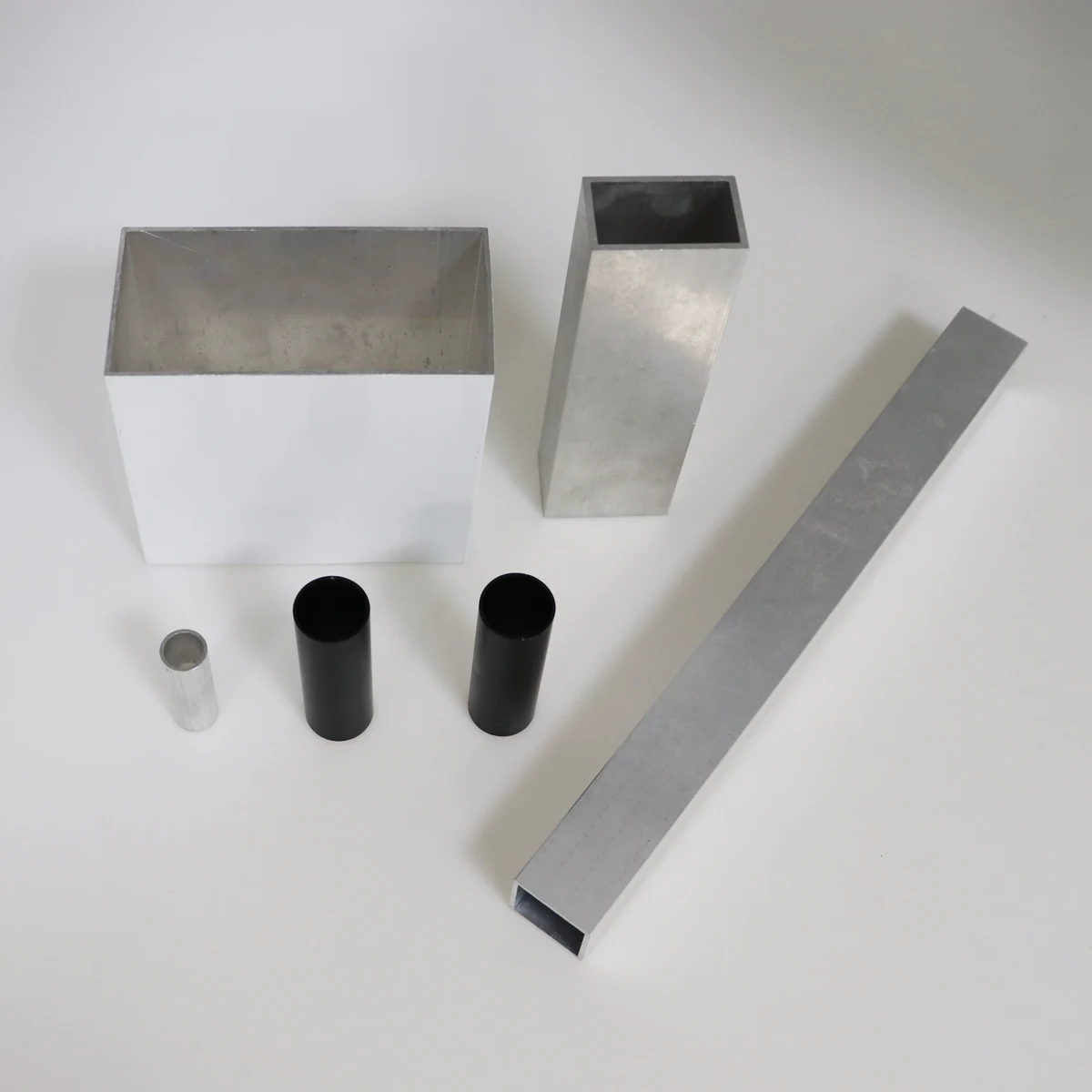
Finish references: Black anodized finish / Mill finish
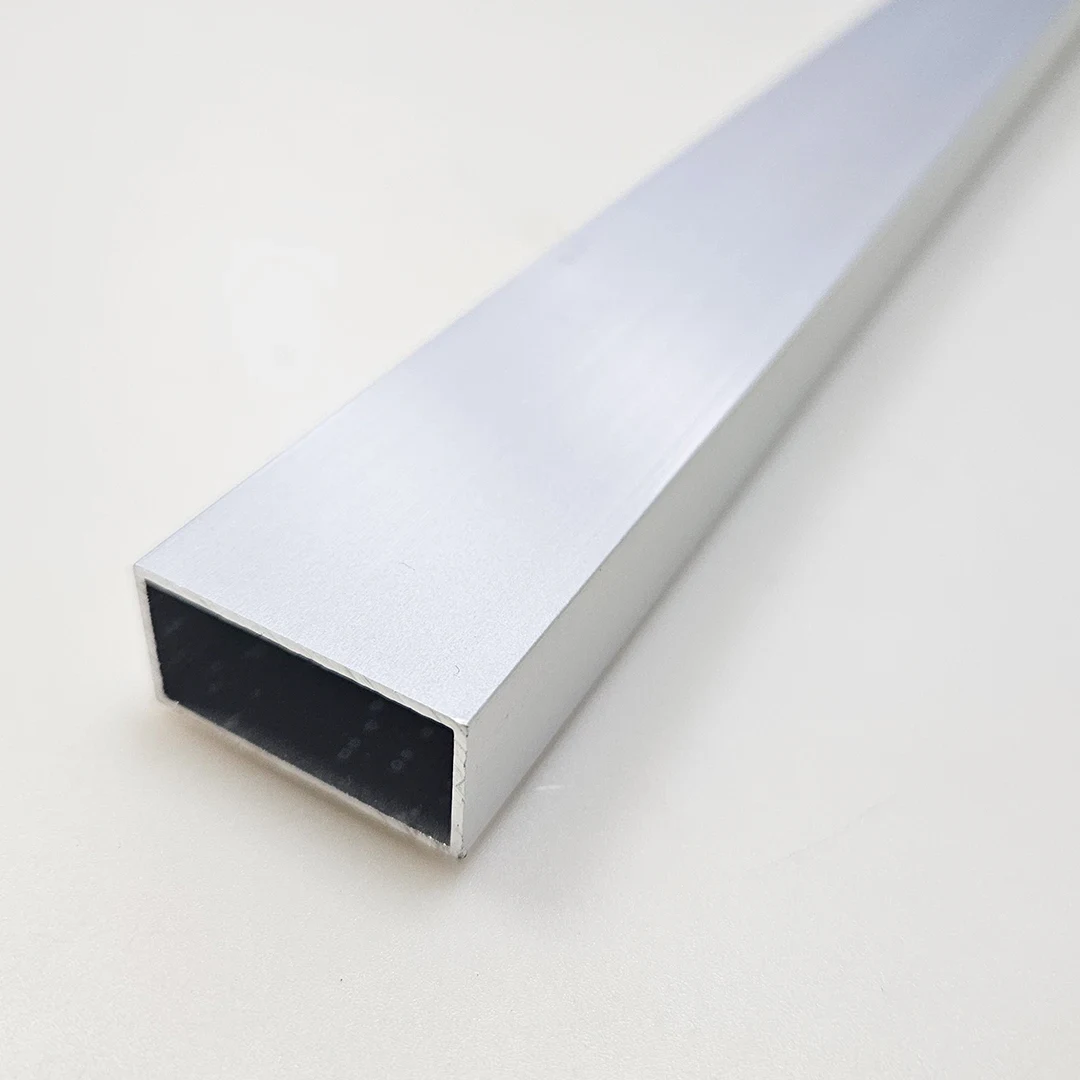
Alloy references: 6061 / 6063 / 7075 · Processing terms: Cutting
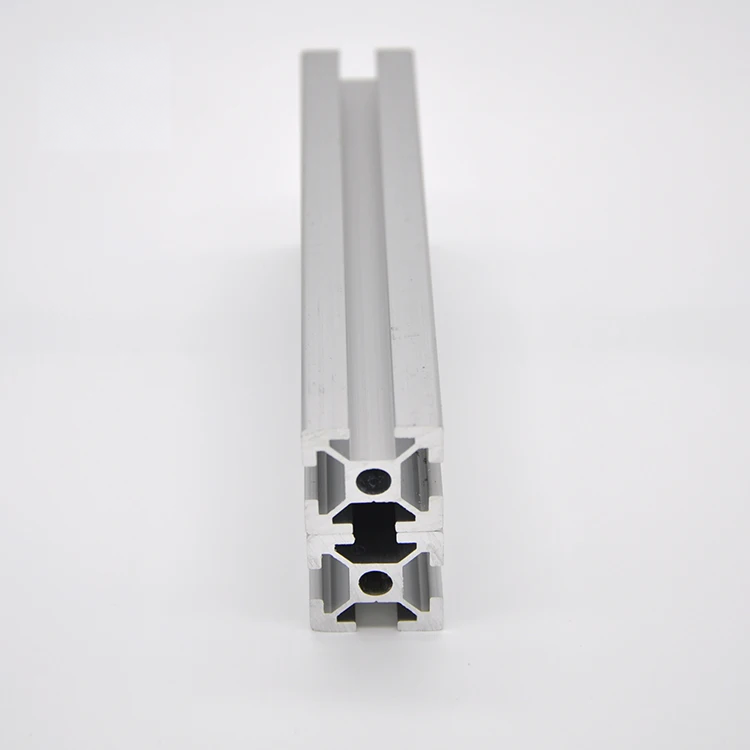
Title designations: 2020 / 20X20 / 30X30 / 35x35 / 40X40 / 50X50 / 60X60 / 80X80 / 90X90 / 100X100; drawing and units require confirmation
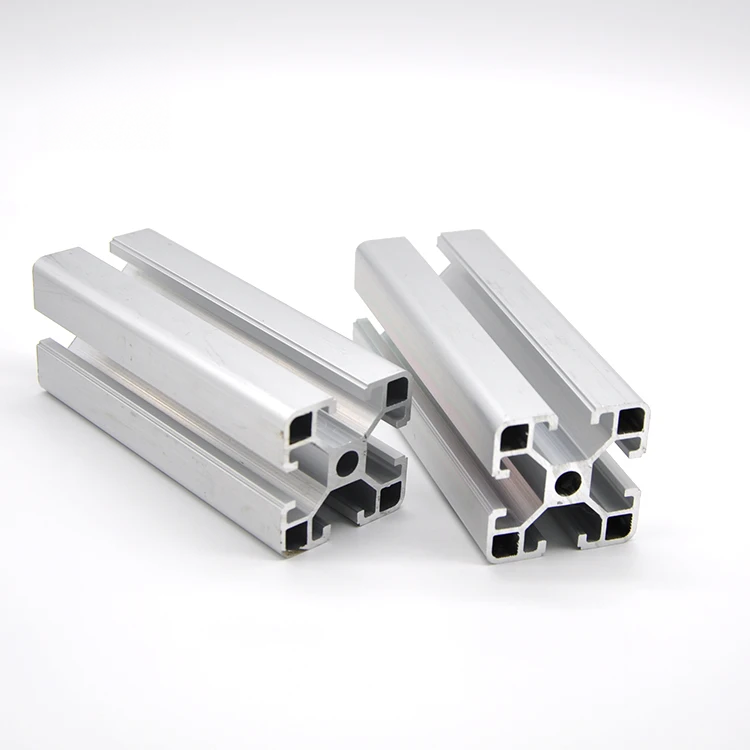
Alloy series reference: 6000 series · Processing terms: Bending / Cutting
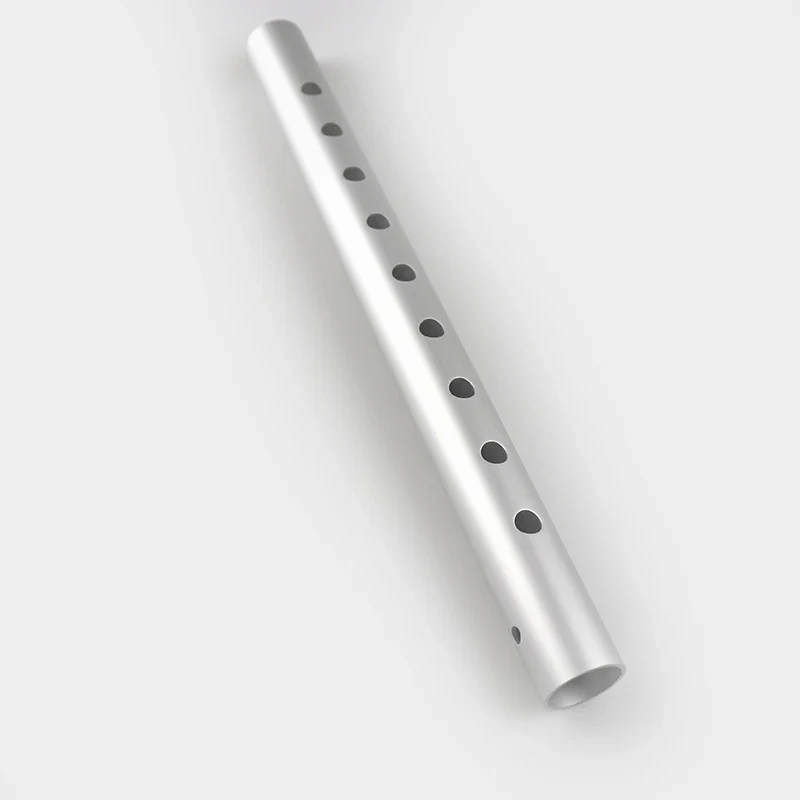
Alloy references: 6063
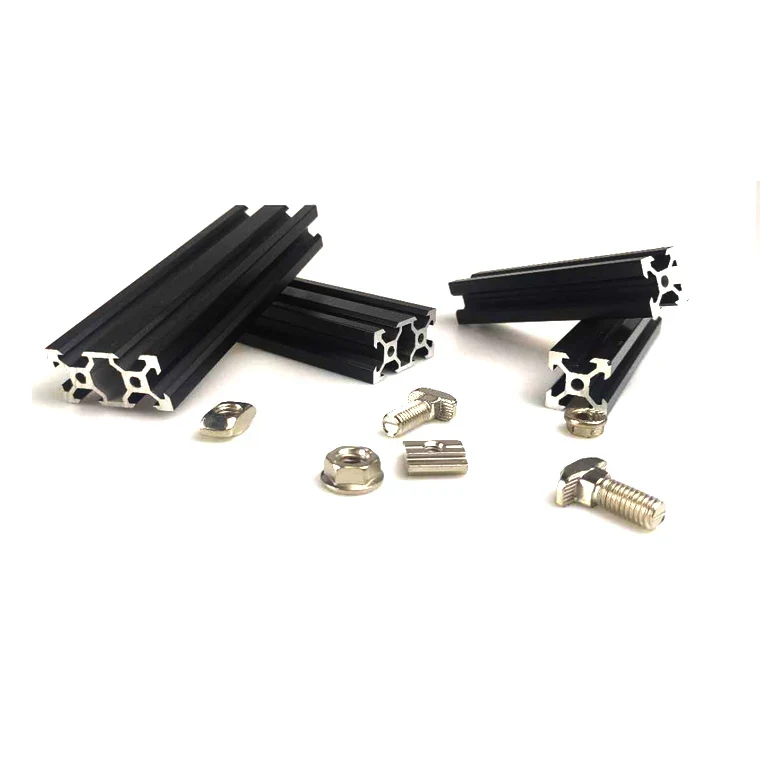
Drawing-led specification; complete attributes require review.
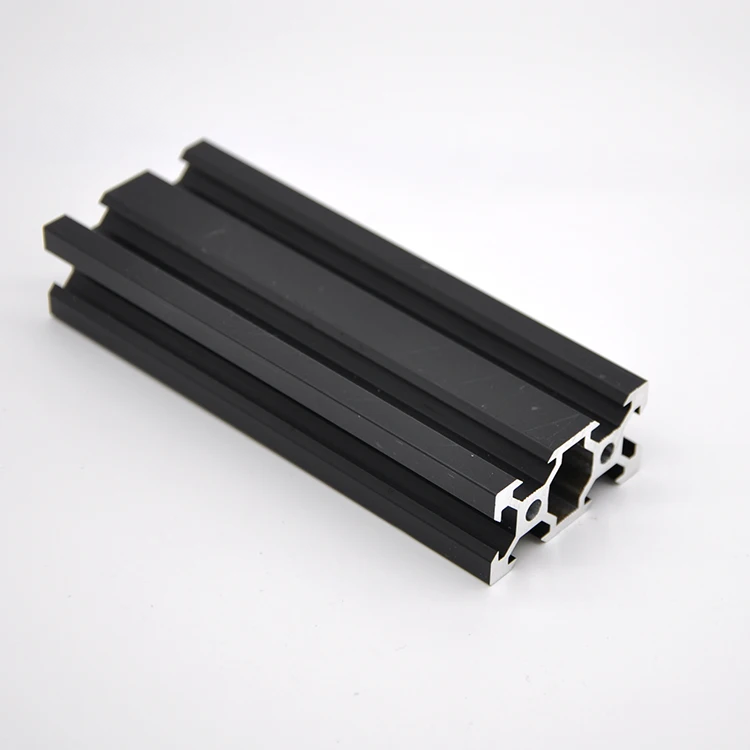
Drawing-led specification; complete attributes require review.
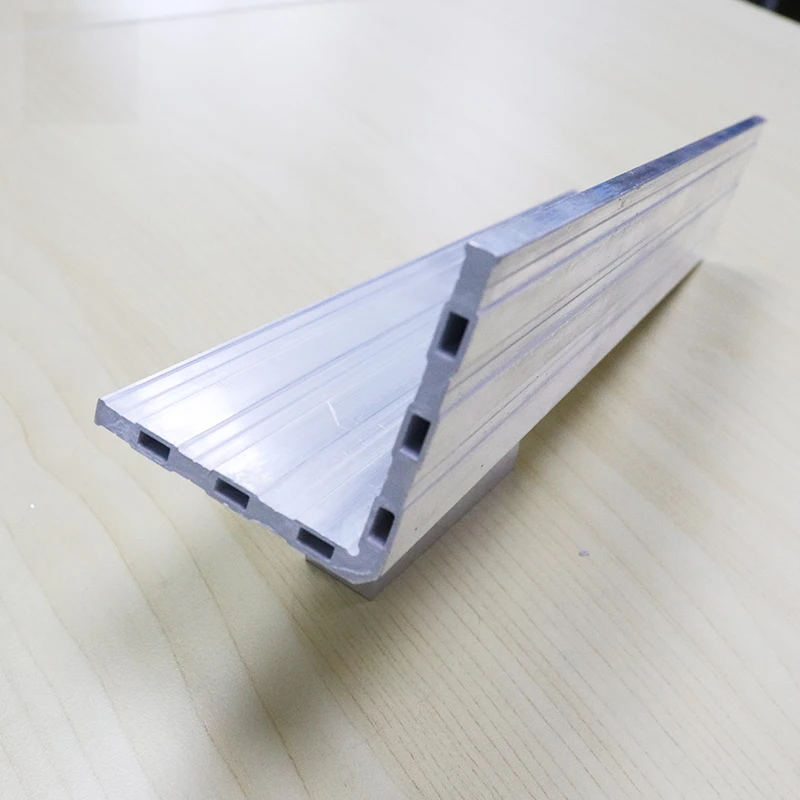
Finish references: Mill finish · Processing terms: Bending / Cutting
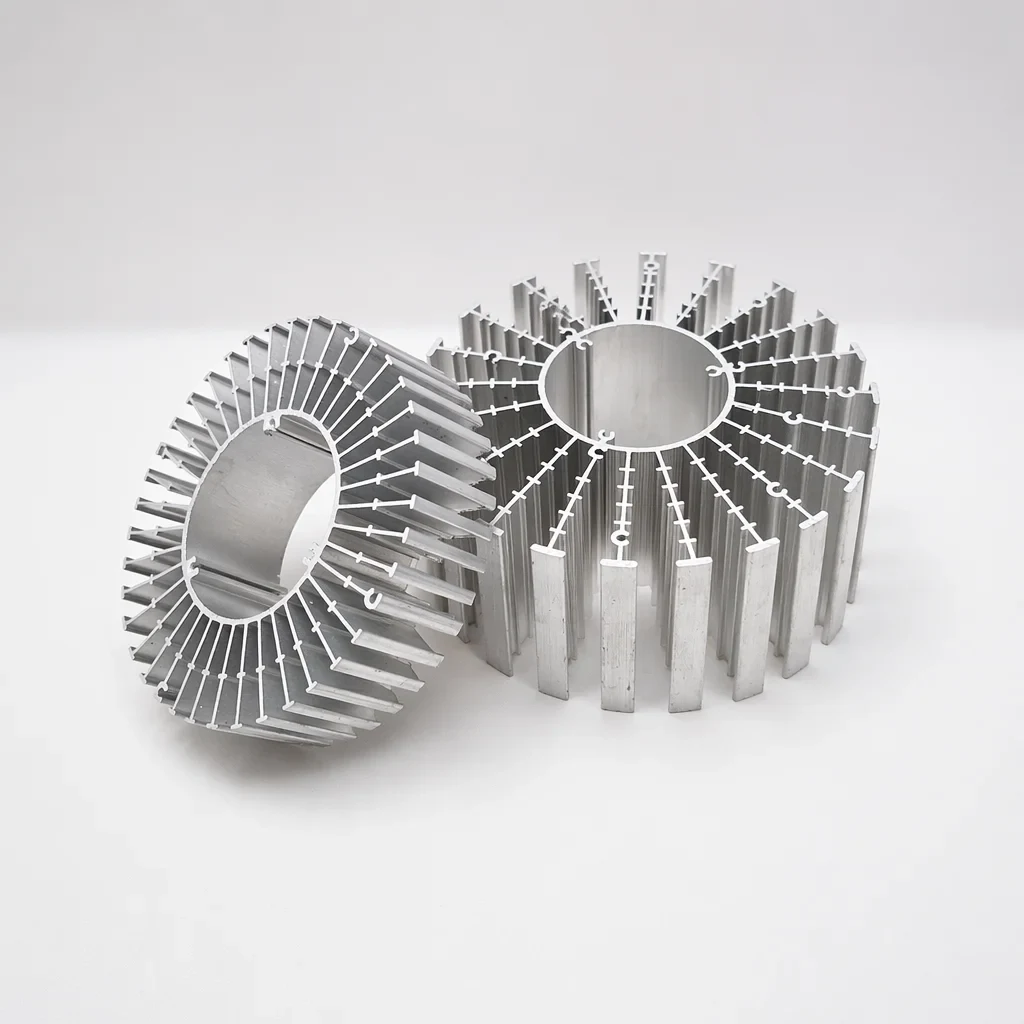
Drawing-led specification; complete attributes require review.
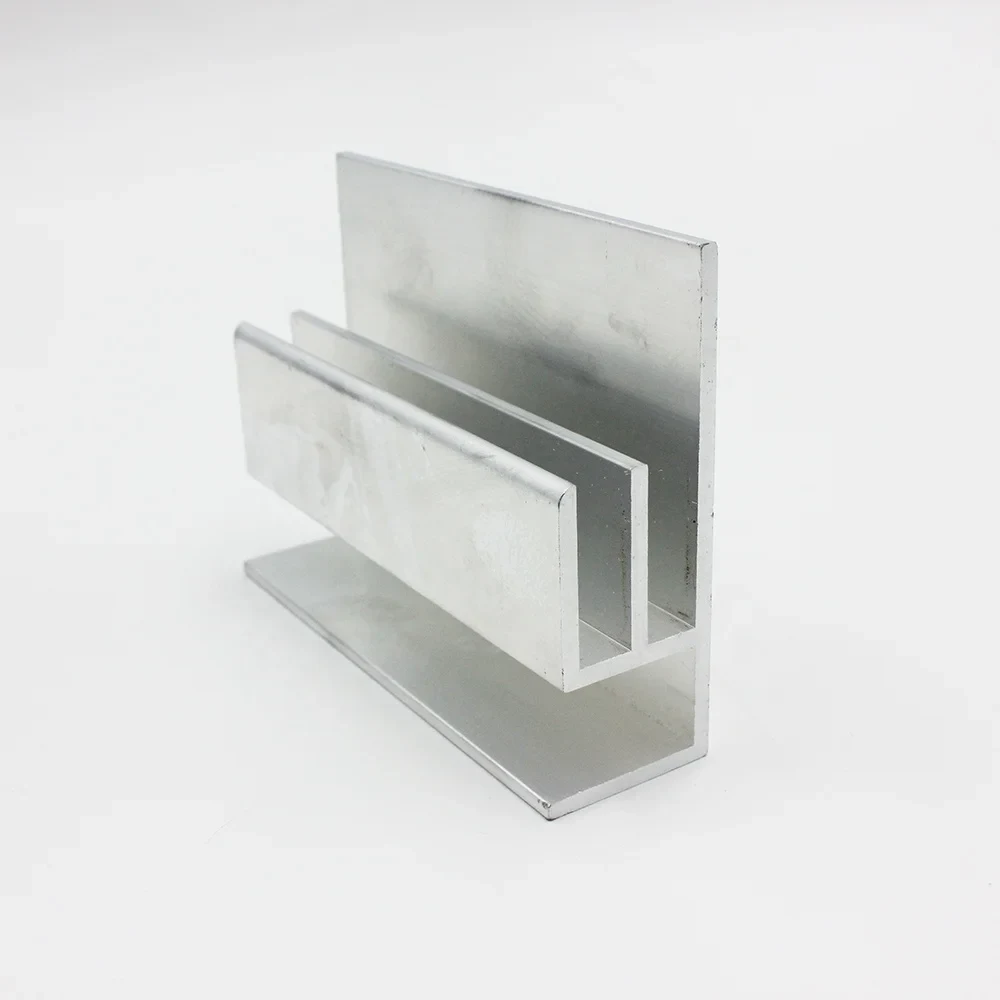
Alloy references: 6063 / 6061 · Temper references: T5 / T6
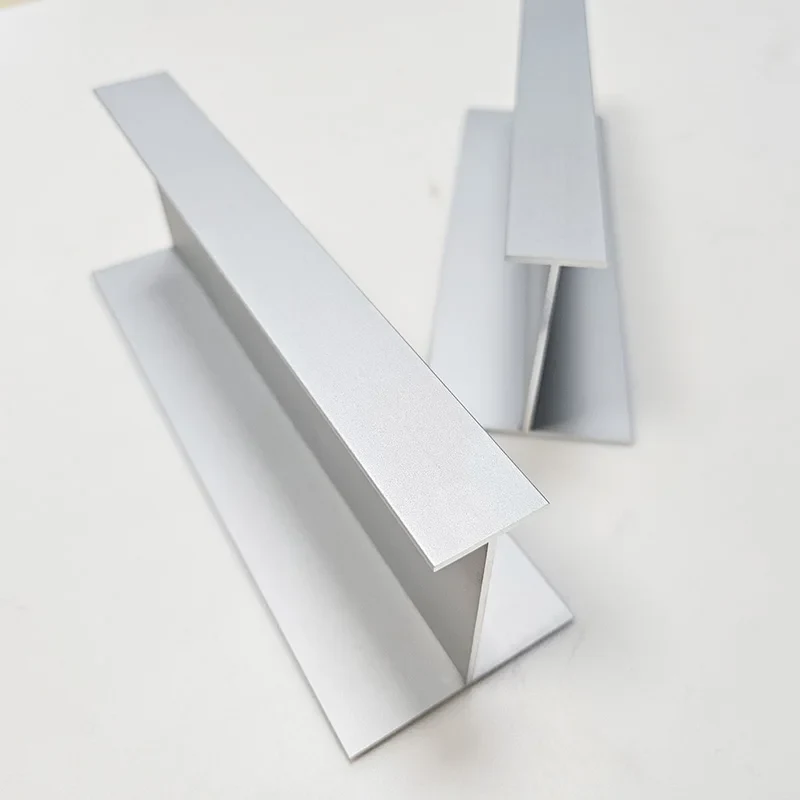
Alloy references: 6063 / 6061 · Temper references: T5 / T6
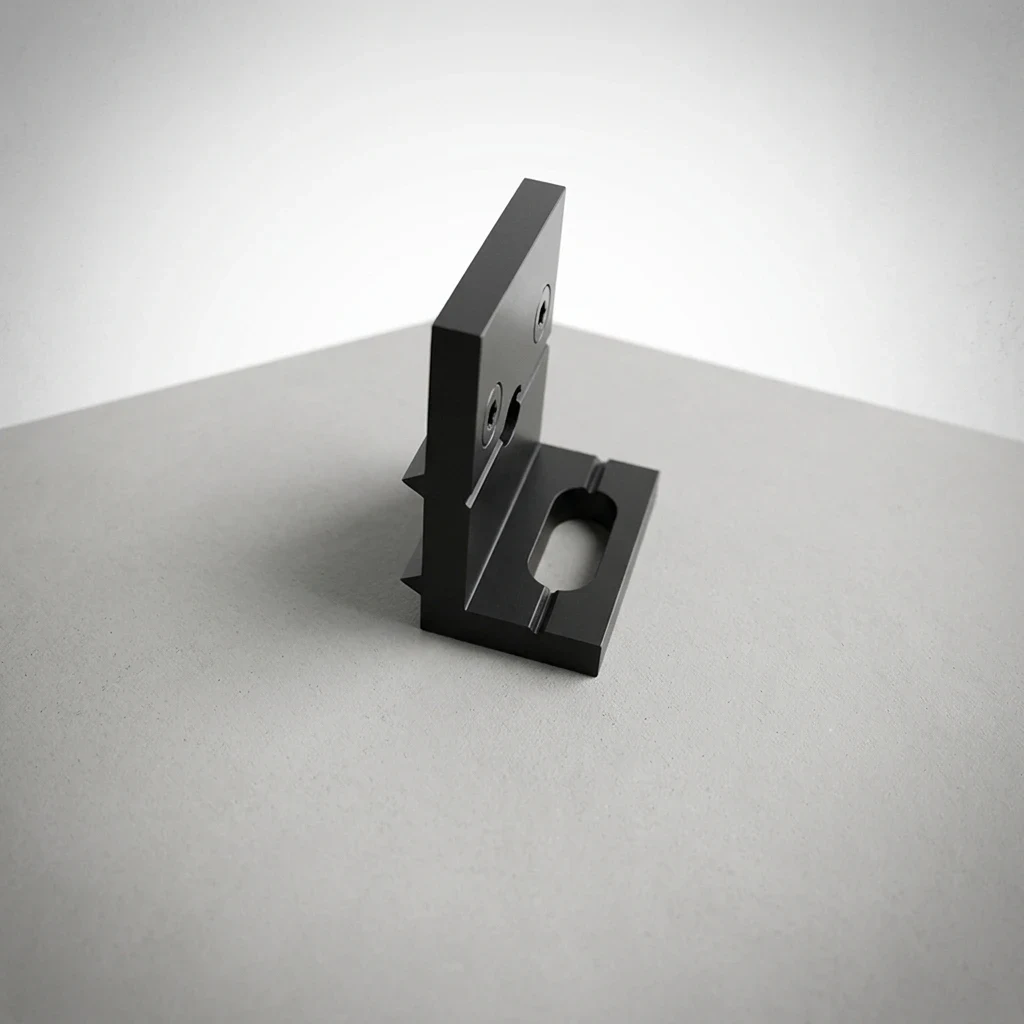
Alloy series reference: 6000 series · Finish references: Anodized finish
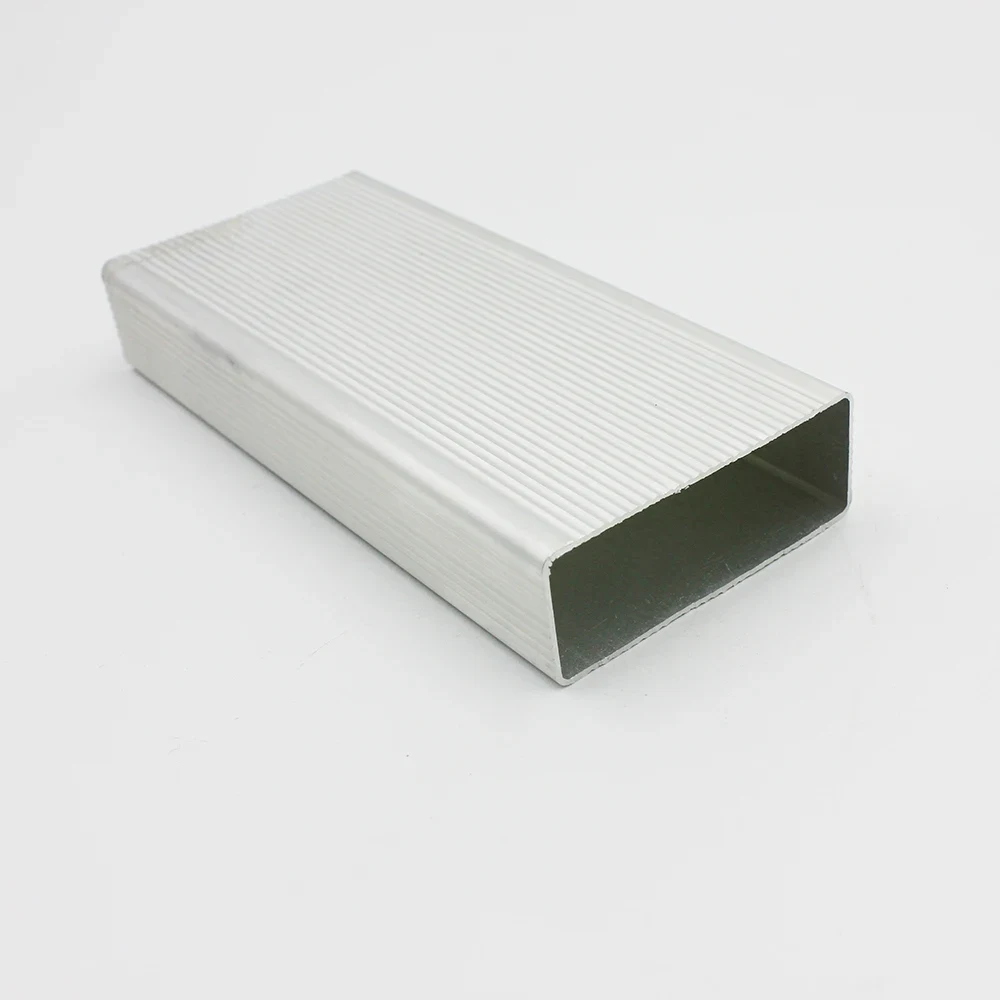
Alloy references: 6061 / 6063 · Temper references: T5 / T6
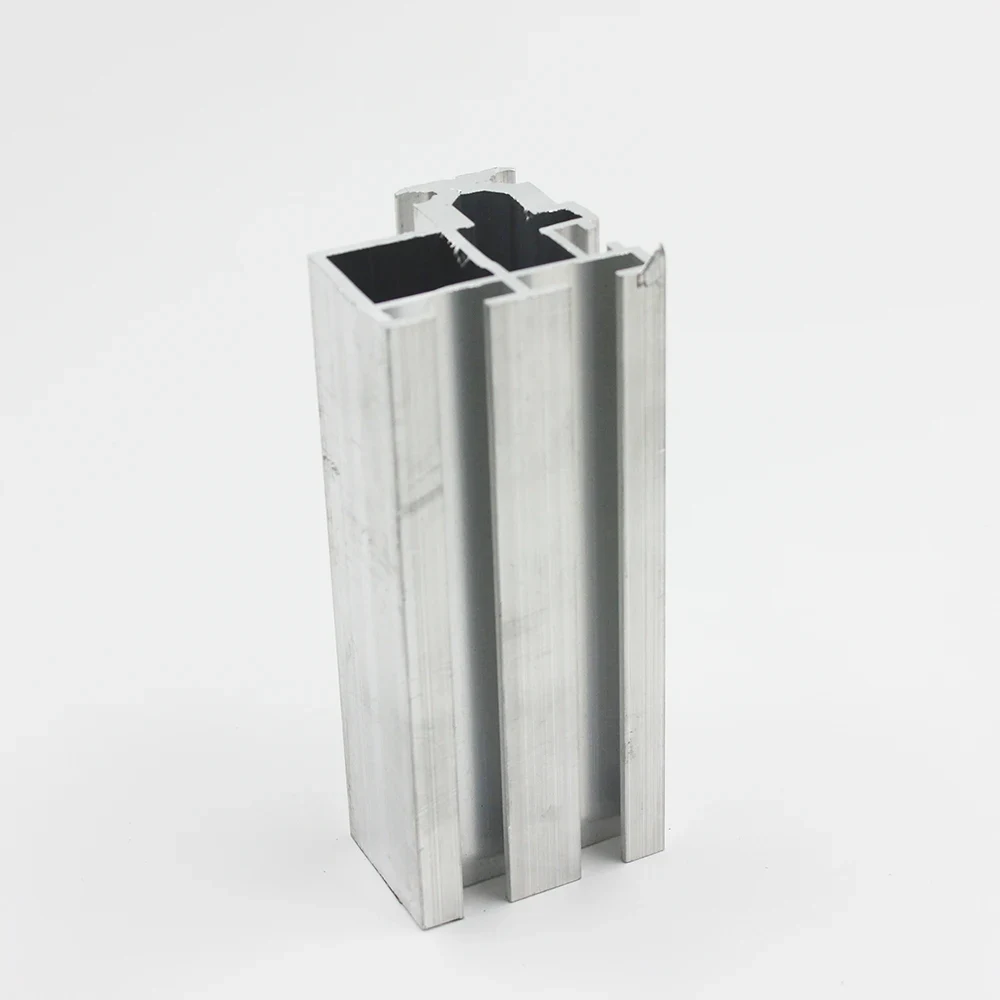
Title slot reference: 10 mm slot wording; drawing and fit remain unverified
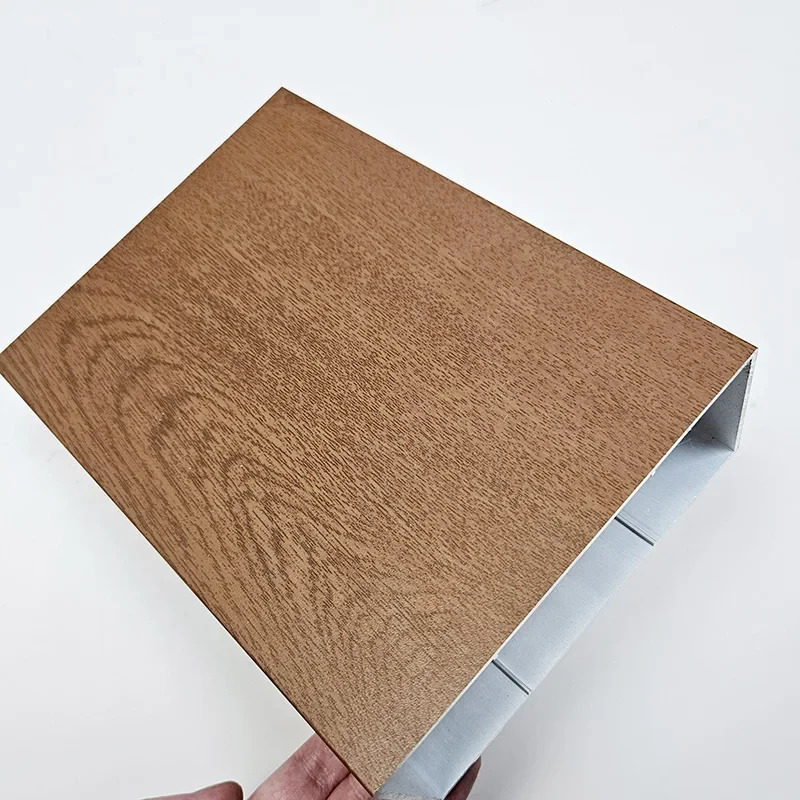
Finish references: Anodized finish / Wood-grain appearance
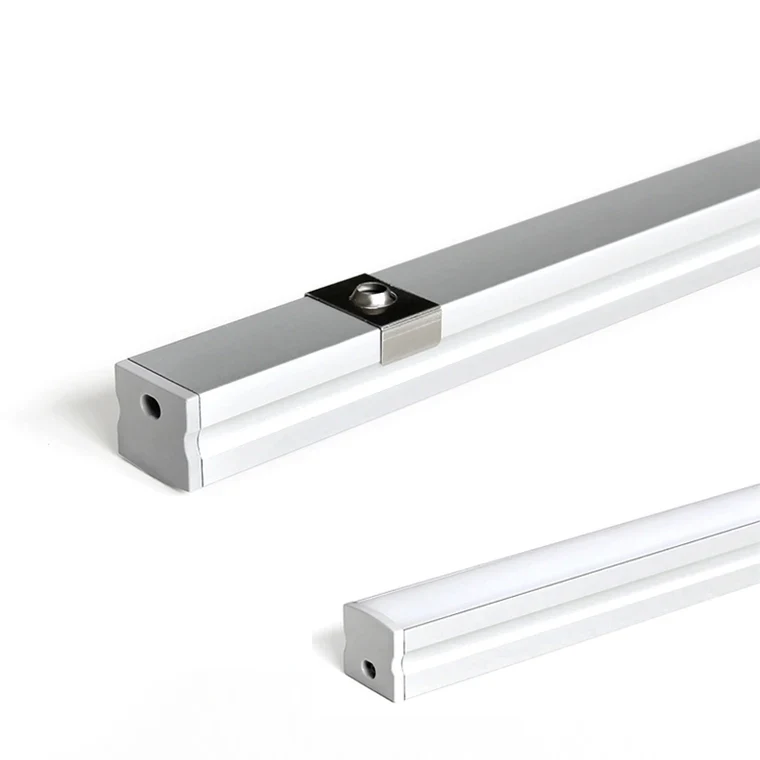
Drawing-led specification; complete attributes require review.
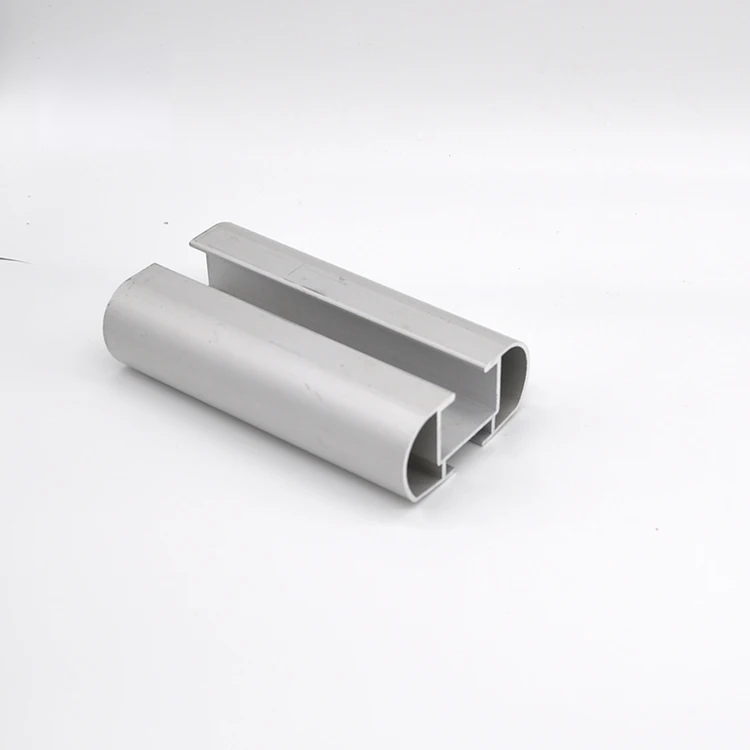
Drawing-led specification; complete attributes require review.
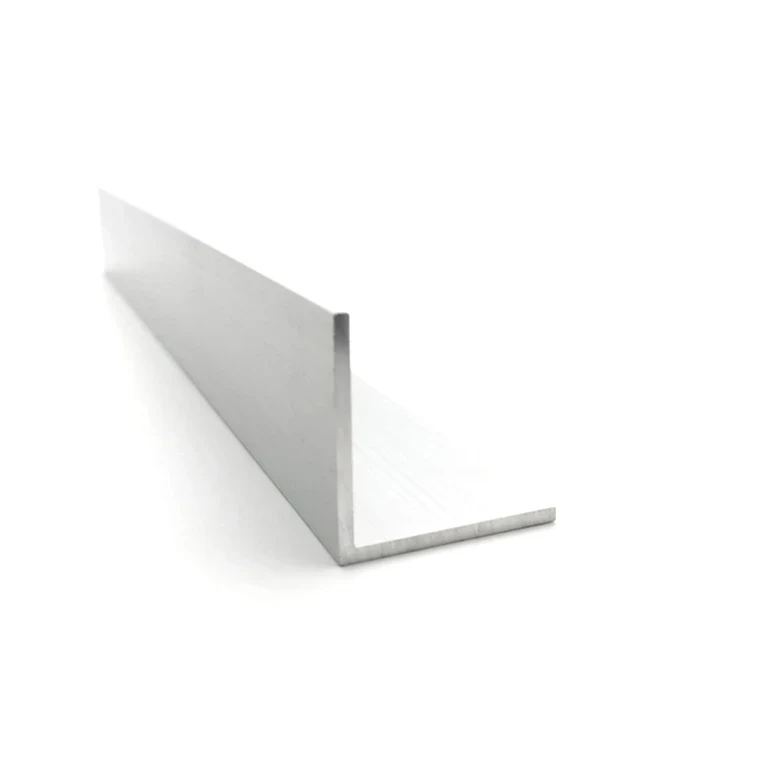
Drawing-led specification; complete attributes require review.
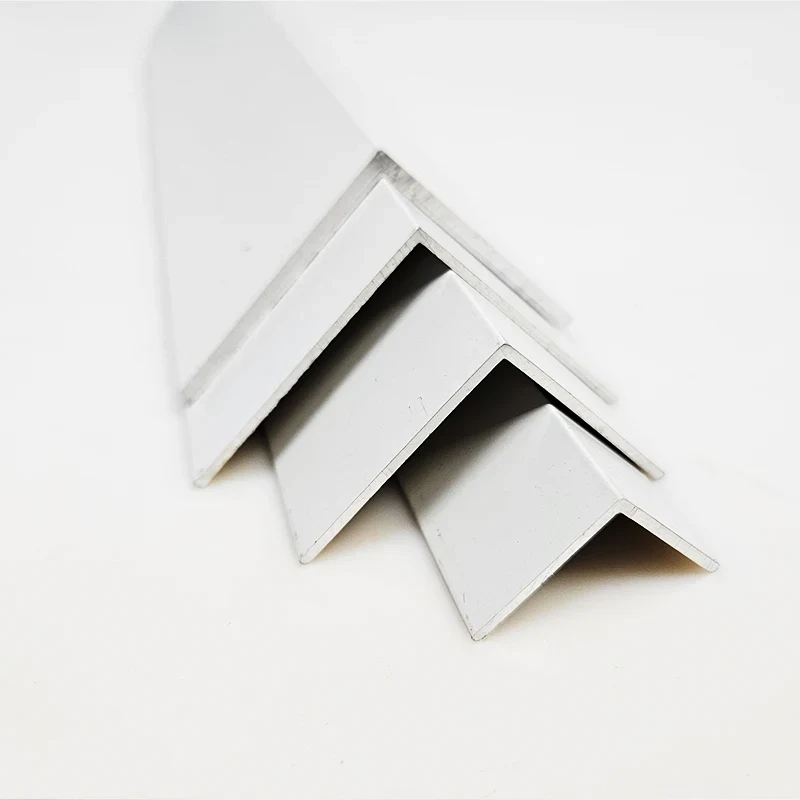
Drawing-led specification; complete attributes require review.
Frames, equipment enclosures and functional sections.
Start with the interfaces, loads and features your part requires.
Application profiles for projects; no window or door retail.
These twelve application directions are drawing prompts, not additional products or available dies. Open a direction to see the interfaces and acceptance questions to include in your inquiry.
SECTION SELECTION
Explore 12 application directions. These are engineering inquiry guides, not verified supplier products, available tooling or stock. Your drawing defines the actual geometry.
Identify the loaded leg, fastening faces and end condition. An angle shape alone does not establish structural suitability.
Leg dimensions, included angle, fastener locations and mating face datums.
Discuss this section →Show the mating component and required clearance. Define whether the fit is checked before or after finishing.
Opening, internal corner clearance, straightness requirement and fit surfaces.
Discuss this section →Define end connections and the application environment. Pressure or structural service requires an appropriate design review.
External envelope, internal clearance, cut length and joining details.
Discuss this section →Submit connection details and load cases. Compatibility with a proprietary slot system must be checked, never inferred from a photograph.
Connection geometry, slot interfaces, accessory references and assembly envelope.
Discuss this section →Review board interfaces, end plates, electrical contacts and service access together.
Board rails, cover fit, connector openings, grounding and masking areas.
Discuss this section →A finned section is not a thermal rating. Provide heat input, interfaces, airflow and operating conditions for assessment.
Base interface, fin arrangement, mounting pattern and thermal test conditions.
Discuss this section →Separate functional bearing surfaces from nonfunctional geometry. Identify features that may need secondary machining.
Datum scheme, mating geometry, contact faces and inspection method.
Discuss this section →Explain which features are fixed and which may change during die feasibility review. Do not assume a universal wall limit.
Controlled section, critical dimensions, design freedom and assembly references.
Discuss this section →Define exposed faces, attachment and visual acceptance against an agreed physical sample.
Edge engagement, joint details, visible faces and finish reference.
Discuss this section →Attachment and load requirements belong to the project design. No façade-system approval or fire classification is implied.
Panel interface, fixing method, exposure and applicable project specification.
Discuss this section →Identify diffuser fit, component space and heat-management needs. Electrical or ingress ratings require separate verification.
Internal envelope, diffuser interface, mounting and electrical isolation requirements.
Discuss this section →Define span, attachment, exposure and visible surfaces. System performance must be reviewed for the actual installation.
Section orientation, fixing details, assembly spacing and project acceptance criteria.
Discuss this section →