
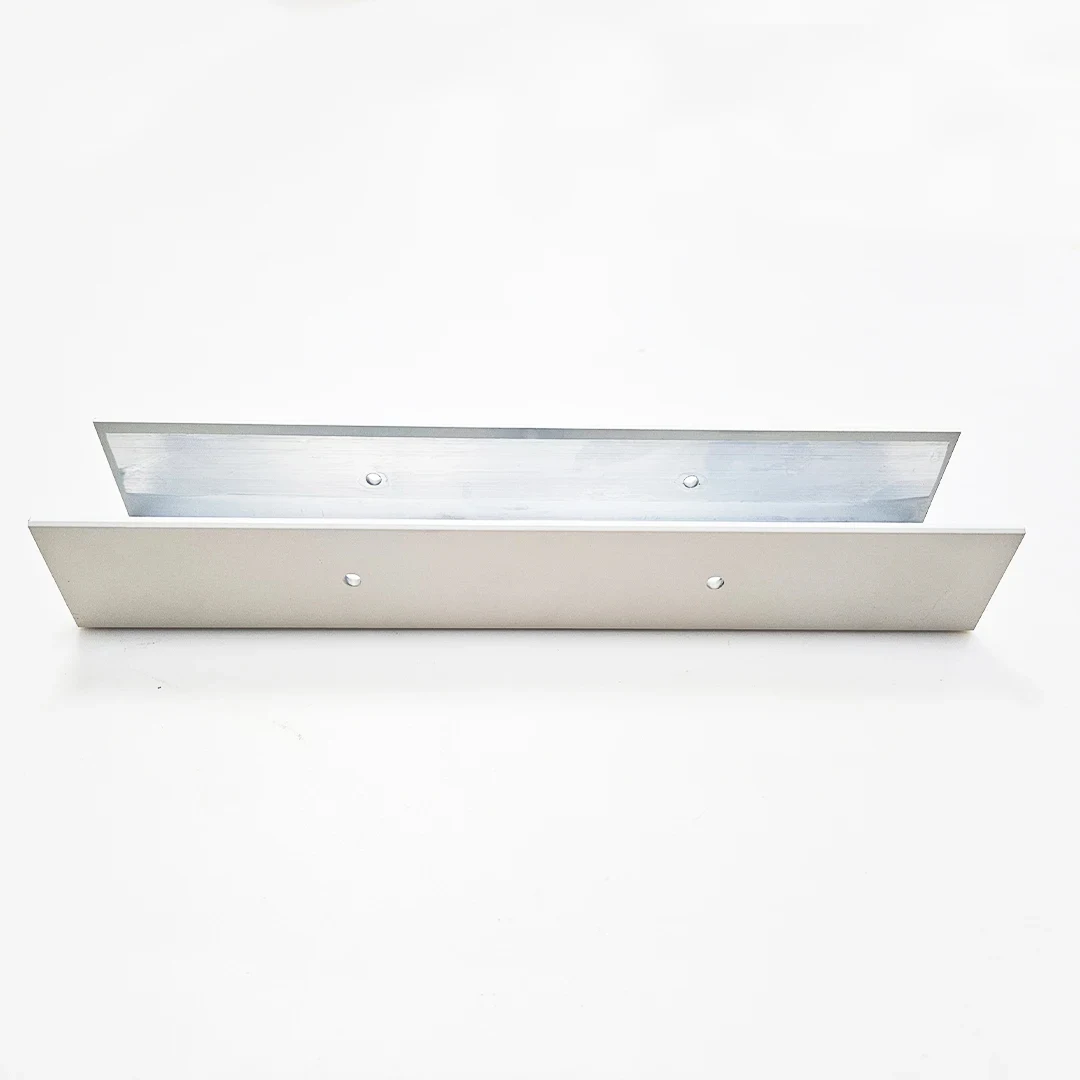
Machined U-channel sections
Alloy series reference: 6000 series · Temper references: T5 / T6
10 source-listed extrusion references
Explore U-, F-, I- and H-section references, hollow angles, tubes and thermal shapes for a drawing-led request. Separate fixed assembly interfaces from geometry that may change before a die or sample is approved.
Each reference has a section page and drawing brief. Stock, complete dimensions and accepted processing conditions require confirmation.
Discuss This FamilyBrowse all 10 section references
| Technical brief | What to review |
|---|---|
| Fixed geometry | Mark the contact faces, clearances and interfaces that cannot change. Include the mating part where a section feature controls fit. |
| Design freedom | Identify nonfunctional areas available for revision. A proposed geometry change needs drawing control and approval before tooling. |
| Tooling brief | Confirm existing-die availability or new tooling scope in writing, then agree ownership, modifications, sample release and future use. |
First decide whether you are matching an existing section or commissioning a new cross section. Then distinguish extrusion lengths from finished machined parts. The die scope, secondary operations and acceptance plan should follow that choice rather than the appearance of a reference photo.
Filters match reviewed source-title disclosures, not stock or an accepted material specification. Clear this family’s filters
EXTRUSION CATALOG
10 source-listed extrusion references. Compare section photographs and disclosed material, finish and processing terms. Open a product to see its source, drawing inputs and inquiry details.
Source titles disclose some material, finish and process terms. Complete drawing specifications and detailed attributes remain subject to verification and a written quotation.
Select two or three references to compare disclosed terms and fit questions. Selection stays in this page only; no inquiry is submitted.
Alloy series reference: 6000 series · Temper references: T5 / T6
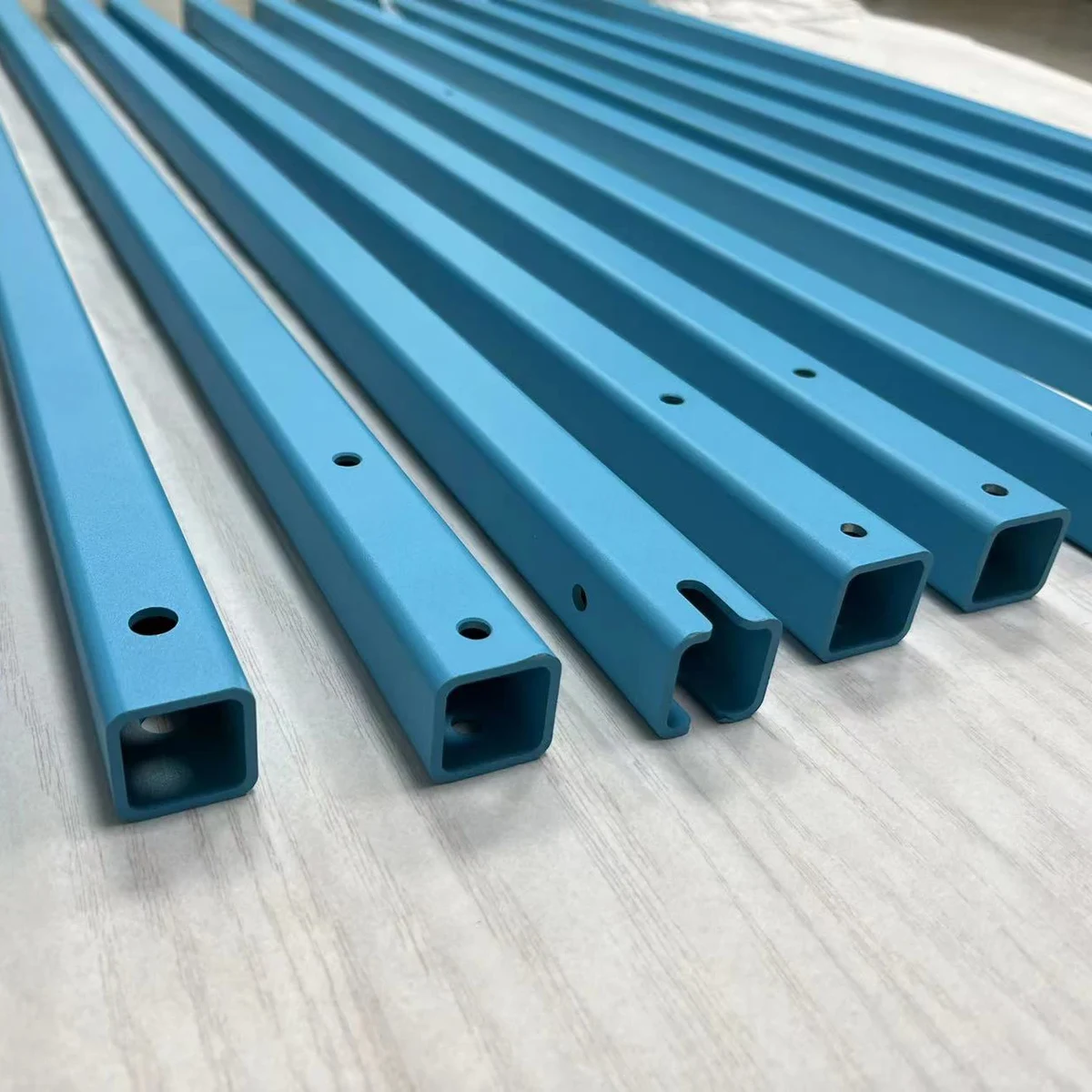
Finish references: Blue spray finish · Processing terms: CNC
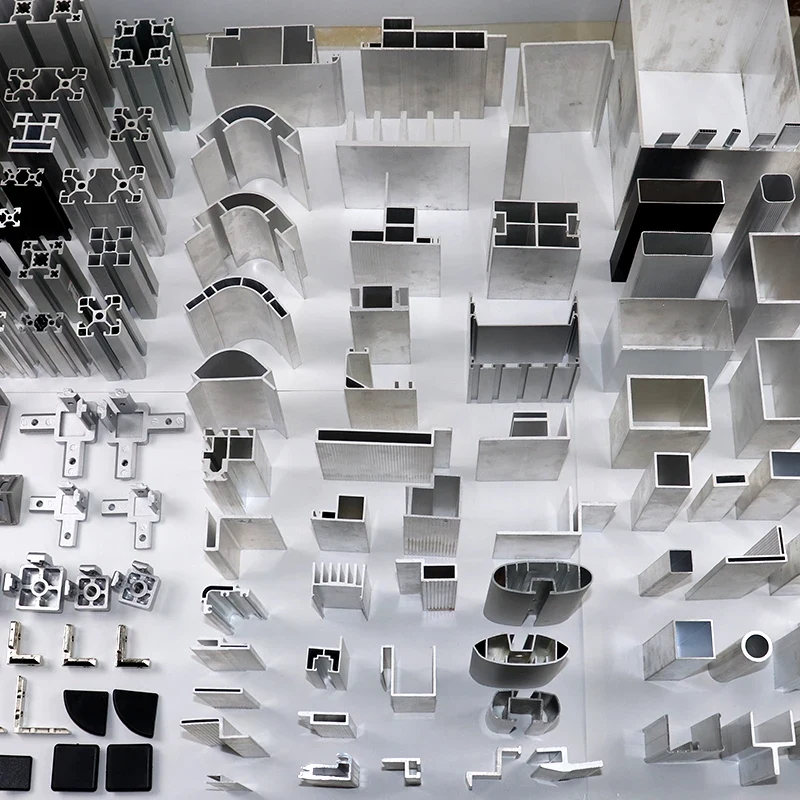
Alloy references: 6061
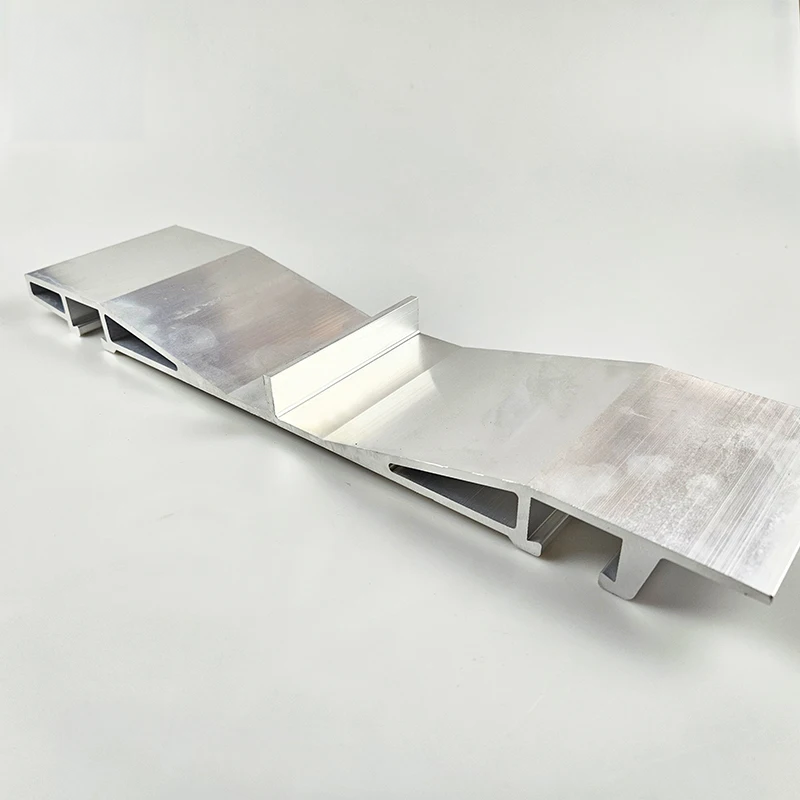
Alloy references: 6061 / 6063 · Temper references: T5 / T6
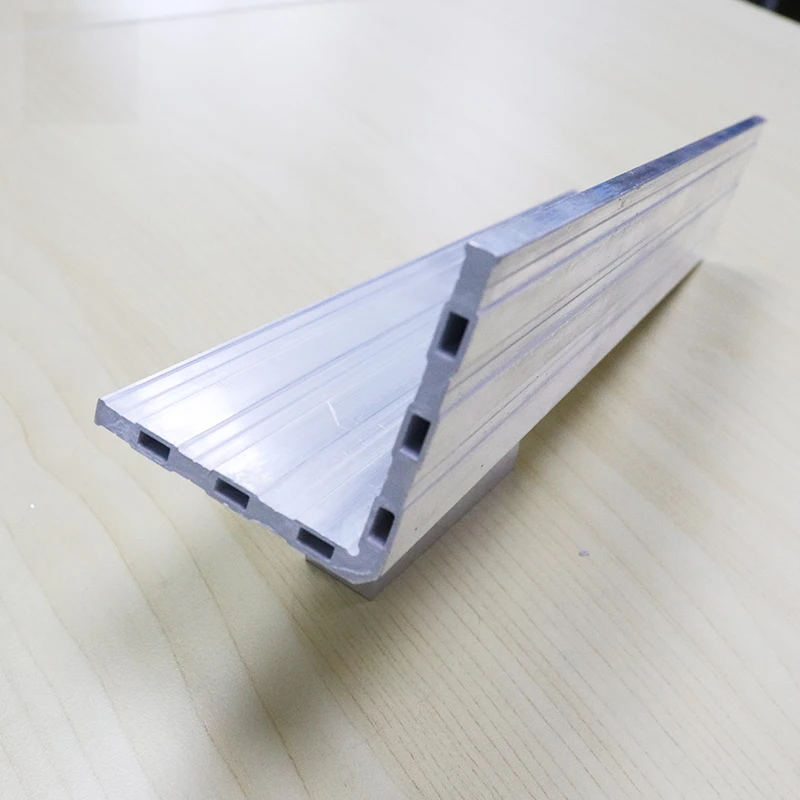
Finish references: Mill finish · Processing terms: Bending / Cutting
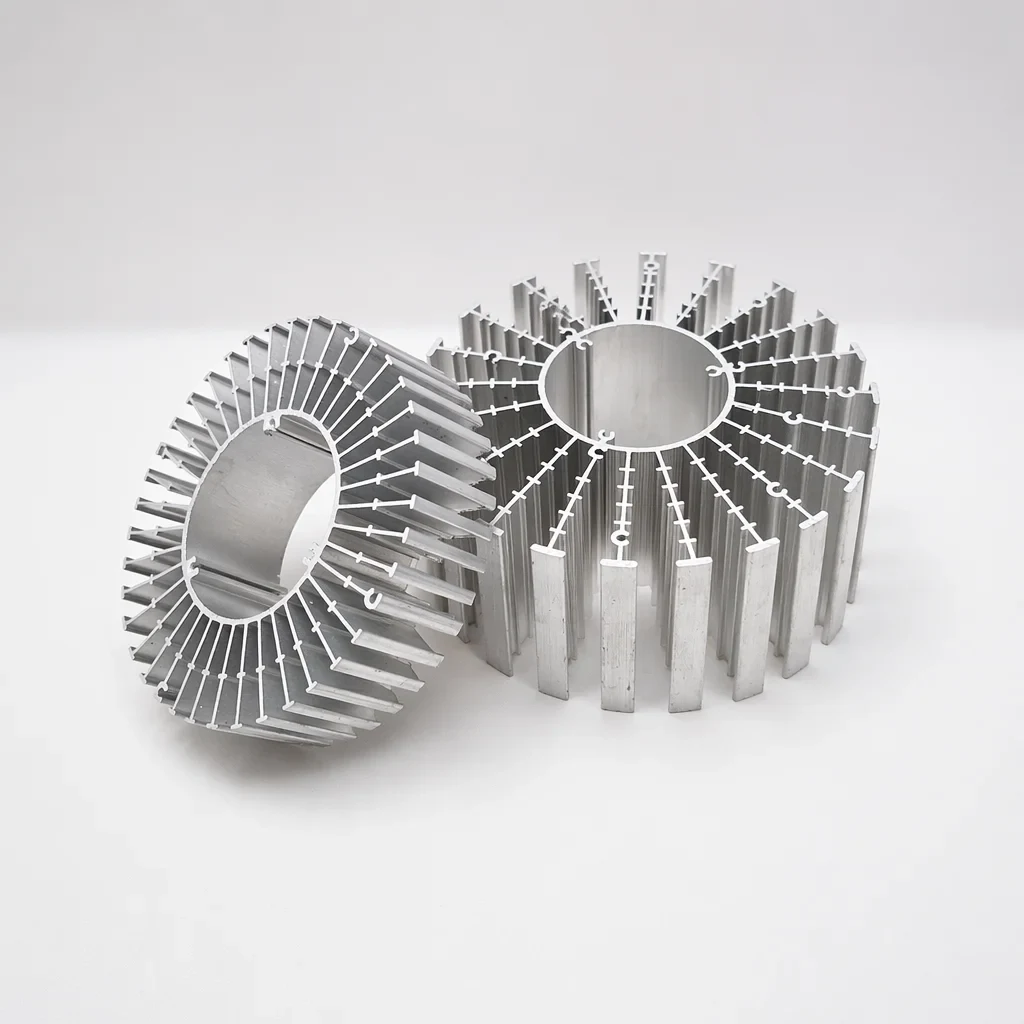
Drawing-led specification; complete attributes require review.
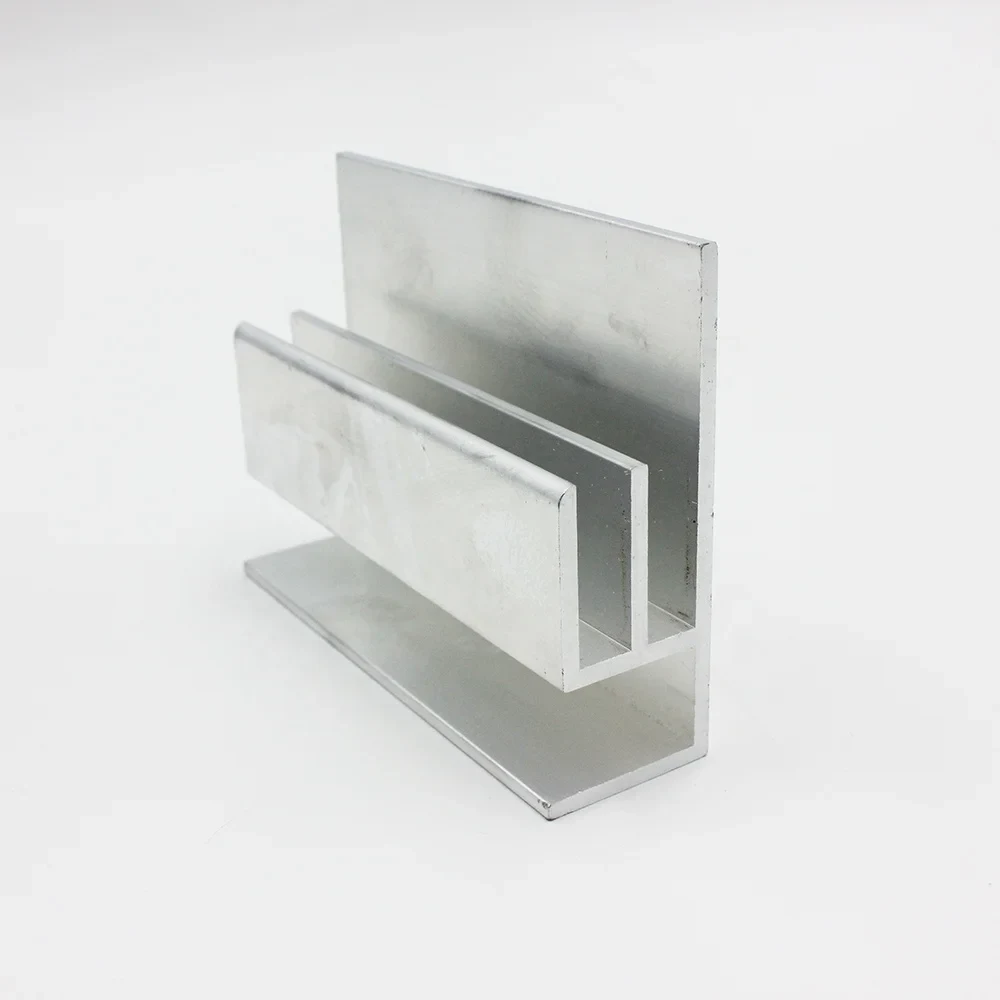
Alloy references: 6063 / 6061 · Temper references: T5 / T6
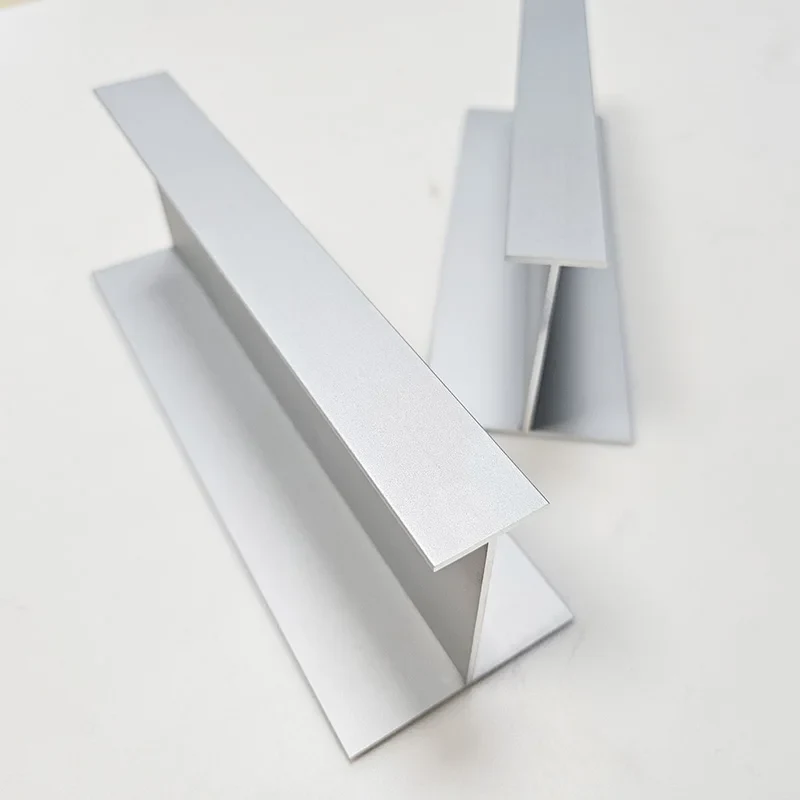
Alloy references: 6063 / 6061 · Temper references: T5 / T6
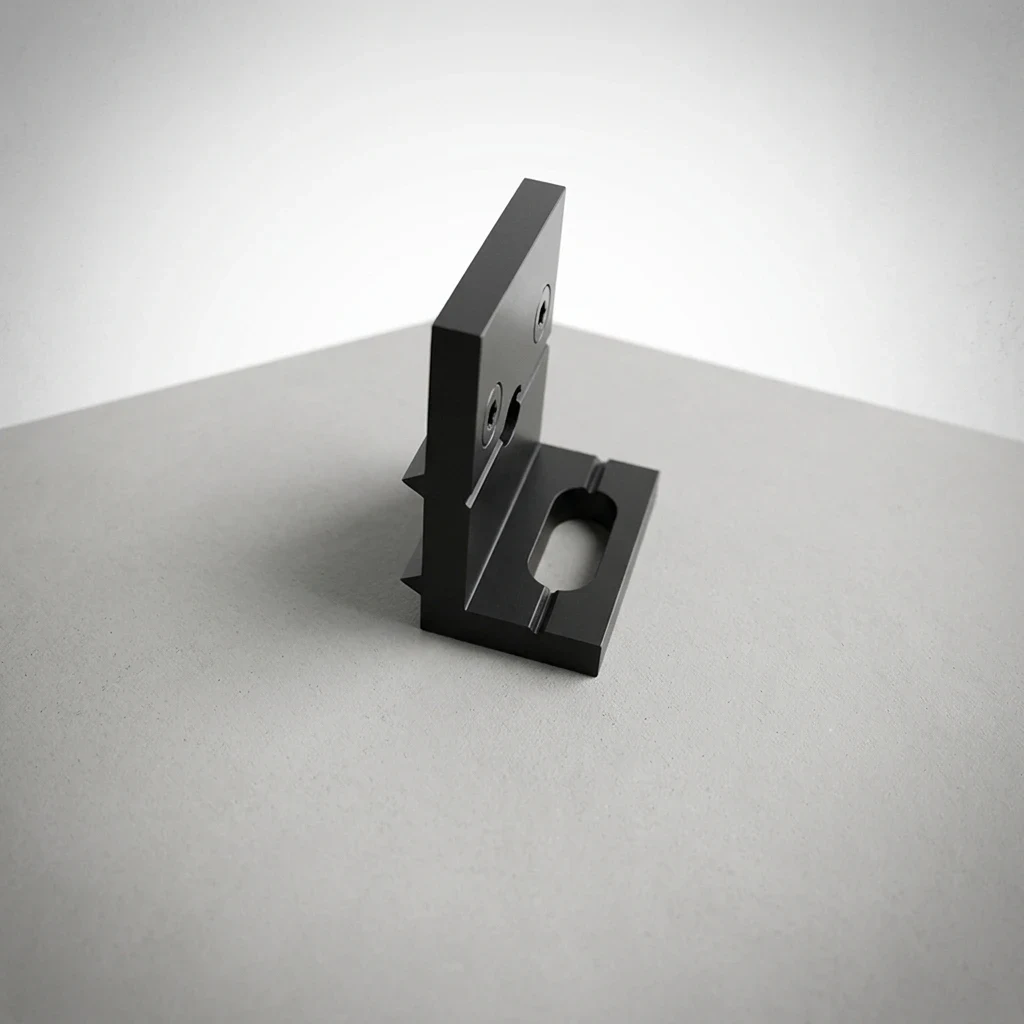
Alloy series reference: 6000 series · Finish references: Anodized finish
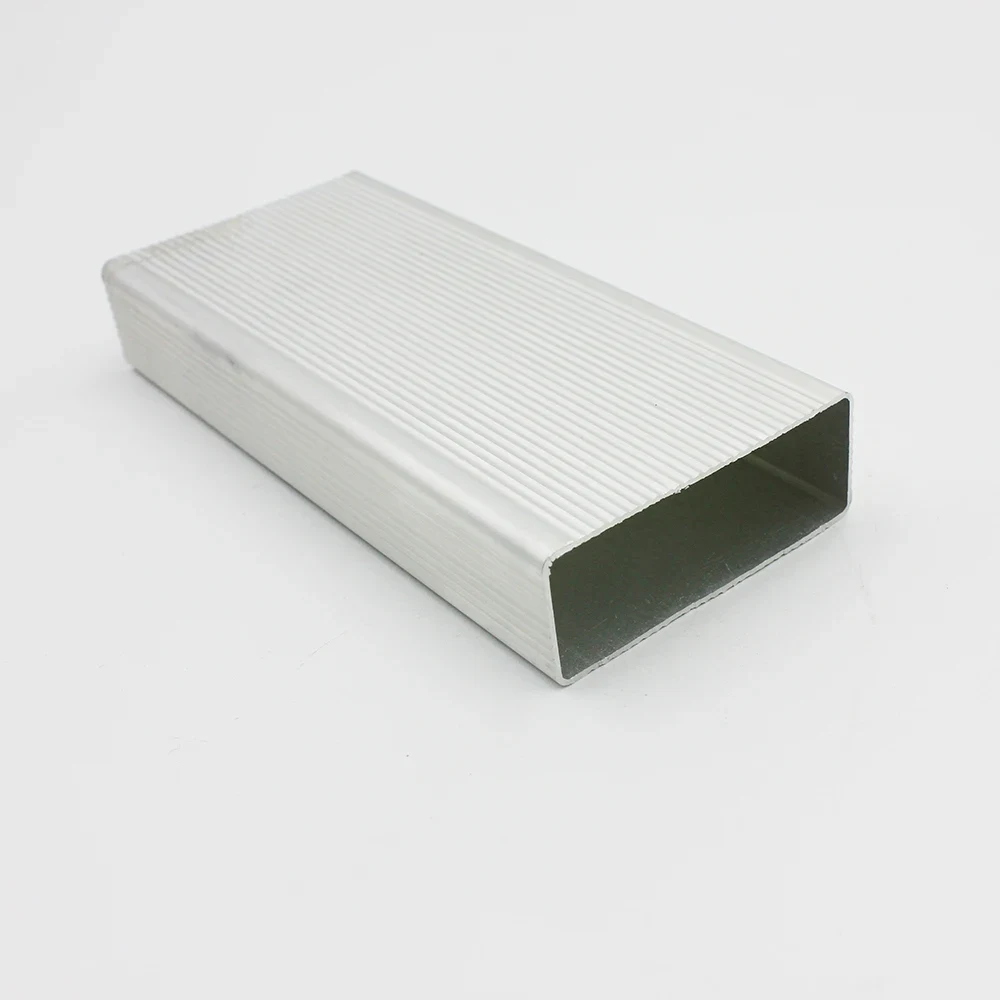
Alloy references: 6061 / 6063 · Temper references: T5 / T6
BEFORE YOU SHORTLIST
No. The photographs show source-listed geometries. Existing tooling, permitted use, drawing revision and any new-die scope need confirmation before a quotation can define the order.
Send both when secondary features matter. The section defines the continuous shape; the finished drawing locates cuts, holes and machined features. Mark fixed interfaces and areas that can be revised during feasibility review.
For Custom cross sections, confirm purchase terms in the quotation.
SECTION SELECTION
Explore 4 application directions. These are engineering inquiry guides, not verified supplier products, available tooling or stock. Your drawing defines the actual geometry.
Review board interfaces, end plates, electrical contacts and service access together.
Board rails, cover fit, connector openings, grounding and masking areas.
Discuss this section →A finned section is not a thermal rating. Provide heat input, interfaces, airflow and operating conditions for assessment.
Base interface, fin arrangement, mounting pattern and thermal test conditions.
Discuss this section →Separate functional bearing surfaces from nonfunctional geometry. Identify features that may need secondary machining.
Datum scheme, mating geometry, contact faces and inspection method.
Discuss this section →Explain which features are fixed and which may change during die feasibility review. Do not assume a universal wall limit.
Controlled section, critical dimensions, design freedom and assembly references.
Discuss this section →SAMPLE & INSPECTION BRIEF
A useful approval record connects the drawing to the delivered condition. Inspection scope and documentation require project-specific agreement.
Use the listing references to identify the section direction, then define the actual geometry, material condition and inspection requirements on a controlled drawing. Manufacturing requirements and availability need written confirmation.
Complete product-detail attributes remain pending. These catalog references do not establish Wuhan Sunfull's factory, equipment, certifications or manufacturing capabilities. Discuss the controlled drawing, material condition and documents required for your order with Wuhan Sunfull.